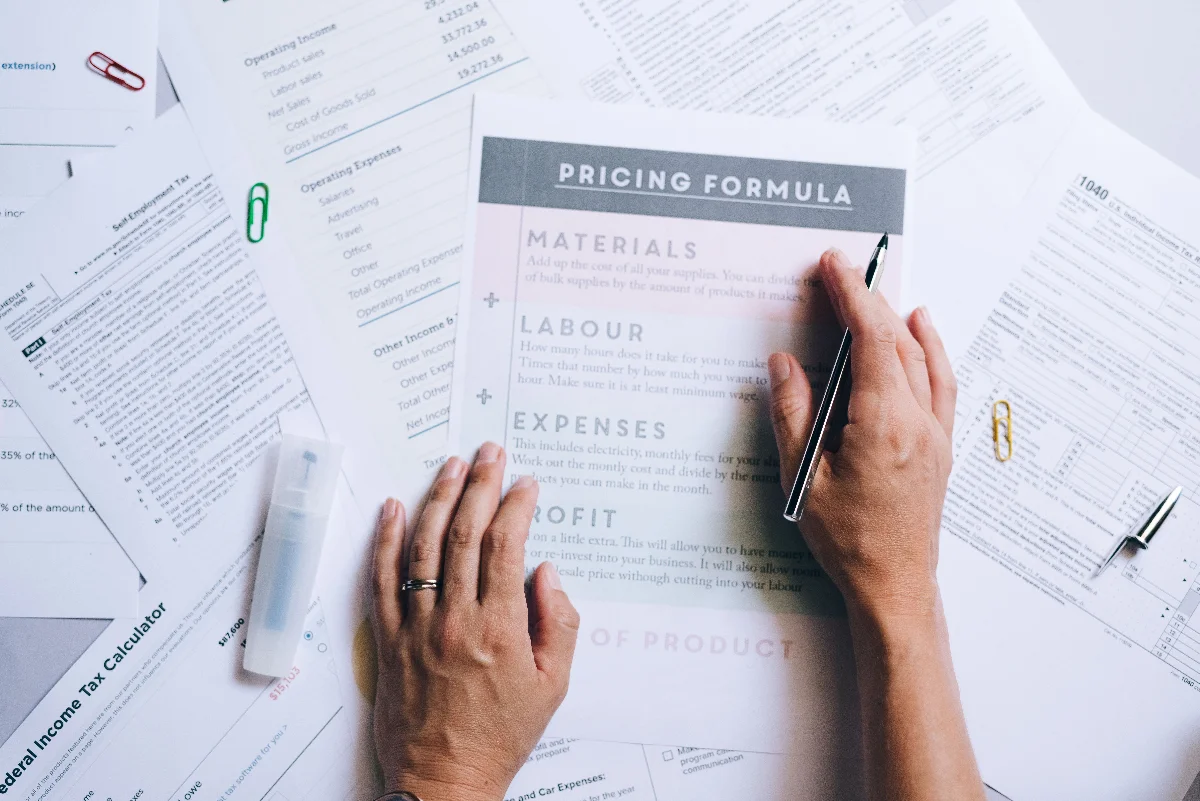
This page shows you how to build a multi-tab spreadsheet that tracks every wedding detail from guest list to seating chart, so you never lose a vendor contact or forget a payment deadline.
Wedding planning spreadsheet: the short answer
Start by creating a master workbook with separate tabs for budget, guest list, vendor contacts, timeline, and seating. Populate each tab with columns for the specific data you need: for the budget tab, list each item, the estimated cost from your quote, the actual cost, and the deposit paid. For the guest list, include columns for name, address, RSVP status, meal choice, and plus-one. Update the spreadsheet weekly and use conditional formatting to flag overdue payments or missing RSVPs.
CalculatorWedding Budget Calculator
What is in the template
Copy the structure below into a sheet you control. The columns are the point, not the formatting.
Columns and sections
- Which tabs do you need beyond the basics (budget, guest list, vendors, timeline, seating)?
- How will you share the spreadsheet with your partner and vendors (read-only vs. editable)?
- What formulas or conditional formatting rules will you set to automatically track totals and deadlines?
- How often will you update the spreadsheet and who is responsible for each section?
- What backup system will you use in case your file gets corrupted or lost?
How to fill each part
| What to compare | What to ask for | The decision it changes |
|---|---|---|
| Tab structure | Compare a single-sheet vs. multi-tab approach. Ask for a sample layout in writing. | whether you can easily navigate and avoid clutter |
| Column headers | Compare generic headers vs. custom headers for your specific needs. Ask for a list of columns per tab. | whether you capture all necessary data without missing details |
| Formula complexity | Compare simple sums vs. automated conditional formatting and cross-tab references. Ask for a description of formulas used. | how much manual work vs. automatic tracking |
| Sharing method | Compare cloud-based (Google Sheets) vs. local file (Excel). Ask for sharing permissions and version control plan. | ease of collaboration and access |
| Update frequency | Compare weekly vs. real-time updates. Ask for a schedule and responsibility assignment. | how current the information stays |

Before you share it with anyone
Before you share it with anyone
- Set up your master spreadsheet with at least five tabs: budget, guest list, vendors, timeline, seating.
- Define column headers for each tab before entering any data.
- Enter all vendor quotes and contracts into the vendor tab with payment due dates.
- Create a conditional formatting rule to highlight any payment that is past due.
- Share the spreadsheet with your partner and set editing permissions.
- Schedule a weekly review time to update the spreadsheet together.

Run the numbers: a wedding planning spreadsheet example
Building a total from quoted lines at 90 guests
- Start with the fixed costs you have been quoted: $4,200.00.
- Add other per-guest costs at 90 guests: $900.00.
- Add food and beverage at 90 guests: $7,650.00.
- Top up to the food-and-beverage minimum: $350.00.
- Apply the service charge to the food-and-beverage line only: $1,377.00.
- Total at 90 guests: $14,477.00.
- Re-run it at 70 guests: $13,971.00, a difference of $506.00.
| Line | Amount |
|---|---|
| Fixed costs | $4,200.00 |
| Other per-guest costs | $900.00 |
| Food and beverage | $7,650.00 |
| Minimum spend adjustment | $350.00 |
| Service charge | $1,377.00 |
| Total at 90 guests | $14,477.00 |
| Total at 70 guests | $13,971.00 |
| Difference | $506.00 |
Where this usually goes wrong
None of these are exotic. They are the ordinary ways this decision goes wrong, and each one is caught by asking a single extra question.
Watch for
- Using a single sheet for everything, which becomes impossible to navigate as you add rows.
- Forgetting to include a column for deposit amounts and payment dates, leading to missed payments.
- Not backing up the file, so a crash or accidental deletion wipes out months of work.
Questions about wedding planning spreadsheet
How do I track RSVPs in a spreadsheet?
Create a guest list tab with columns for name, address, RSVP status (dropdown: Yes/No/Maybe), meal choice, and plus-one. Use a count formula to tally responses.
Should I use Google Sheets or Excel?
Google Sheets allows real-time collaboration and access from any device, while Excel offers more advanced formulas. Choose based on whether you need offline access or shared editing.
What if I don't know how to use formulas?
Start with simple sums and counts; many free templates include pre-built formulas. You can also find tutorials online for conditional formatting and data validation.
What to settle next
Once your spreadsheet is set up, move on to the budget breakdown page to allocate funds across categories.